• Menu
  • Home
  • Services
  • Hardware Solutions
  • Contact Us
  • My Account
  • Training
  • Open a Ticket
Hey, what answers do you need?

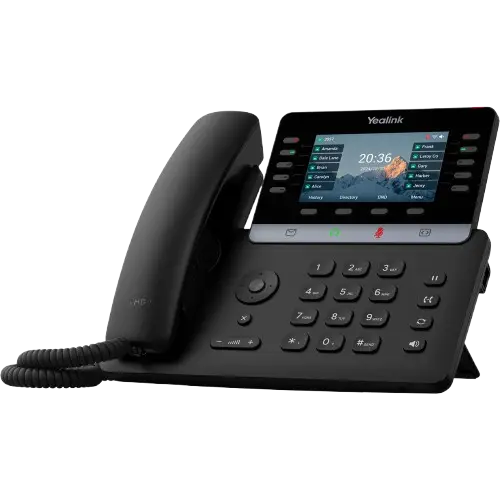
T54W

7
  • T54W - Accessing Voicemail - How to Guide
  • T54W - Attended Transfer - How To Guide
  • T54W - Blind Transfer - How To Guide
  • T54W - Call Park - How To Guide
  • T54W - Conference Call - How To Guide
  • T54W - Do Not Disturb Setting - How to Guide
  • T54W - Phone Overview - Interface Guide

T57W

7
  • T57W - Accessing Voicemail - How to Guide
  • T57W - Attended Transfer - How to Guide
  • T57W - Blind Transfer - How to Guide
  • T57W - Call Park - How to Guide
  • T57W - Conference Call - How to Guide
  • T57W - Do Not Disturb Setting - How to Guide
  • T57W - Phone Overview - Interface Guide

T31P

6
  • T31P - Accessing Voicemail - How to Guide
  • T31P - Attended Transfer - How To Guide
  • T31P - Blind Transfer - How to Guide
  • T31P - Conference Call - How To Guide
  • T31P - Do Not Disturb Setting - How to Guide
  • T31P - Phone Overview - Interface Guide

Mobile App

7
  • How do I change my password on my account?
  • How do I get the Mobile App for my phone?
  • Mobile App - Attended Transfer - How to Guide
  • Mobile App - Blind Transfer - How to Guide
  • Mobile App - Conference Call - How to Guide
  • Mobile App - Do Not Disturb Setting - How to Guide
  • What is my password to login to my account on the SoftPhone?
Desktop App

7
  • Desktop App - Attended Transfer - How to Guide
  • Desktop App - Blind Transfer - How to Guide
  • Desktop App - Conference Call - How to Guide
  • Desktop App - Do Not Disturb Setting - How to Guide
  • How do I change my password on my account?
  • How do I download the desktop app for my computer?
  • What is my password to login to my account on the SoftPhone?

General Questions

6
  • How do I change my password on my account?
  • How do I set my own calling rules?
  • How eFAXES are received
  • How to send an eFAX
  • What is my password for voicemail?
  • Why do I have multiple voicemail greetings?

Technical How-to

6
  • How do I activate call recording?
  • How do I change my password on my account?
  • How do I change my password to my CoreNexa/Telecubed softphone account?
  • How to set QOS for softphones
  • Star Codes & Features
  • Telecubed Servers and QOS

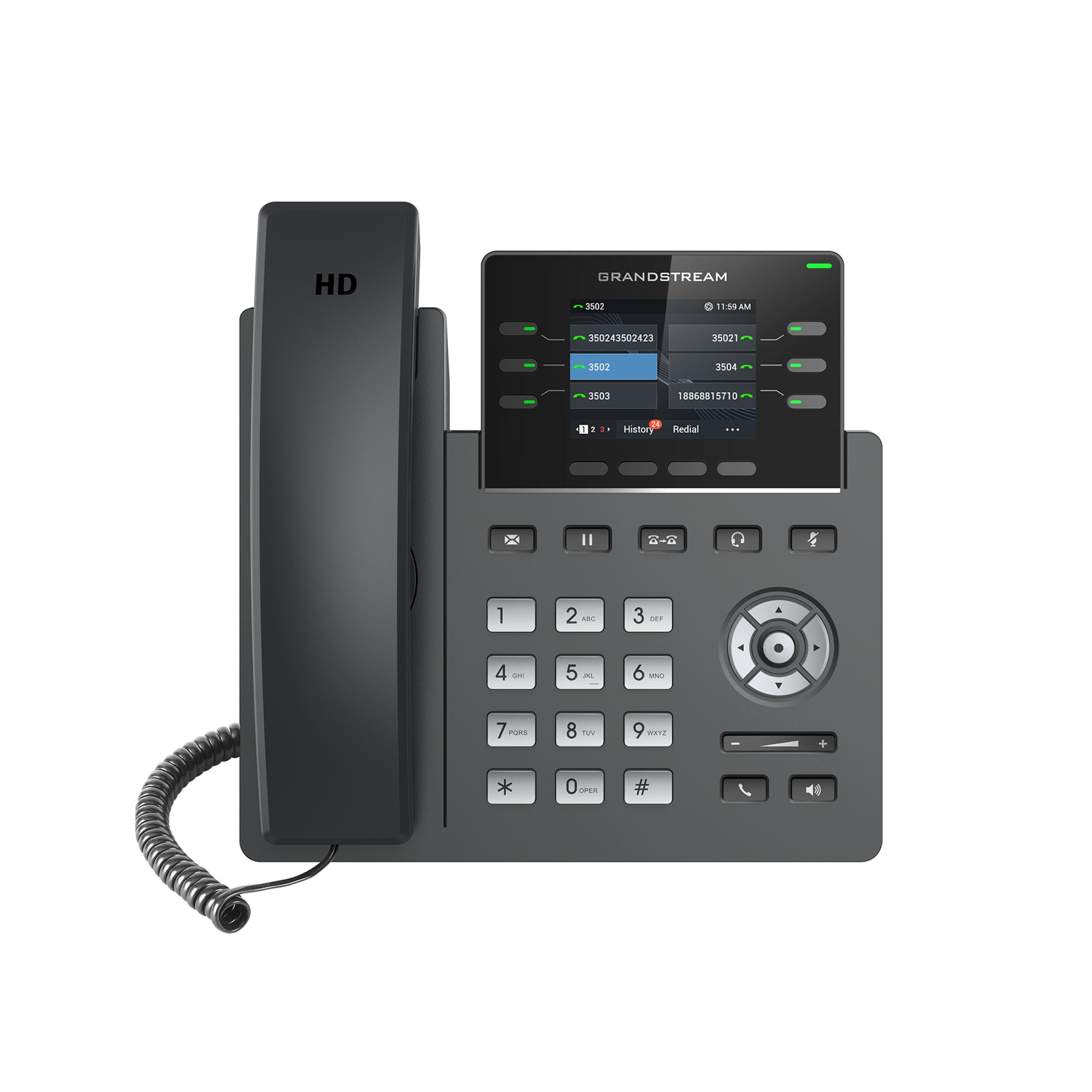
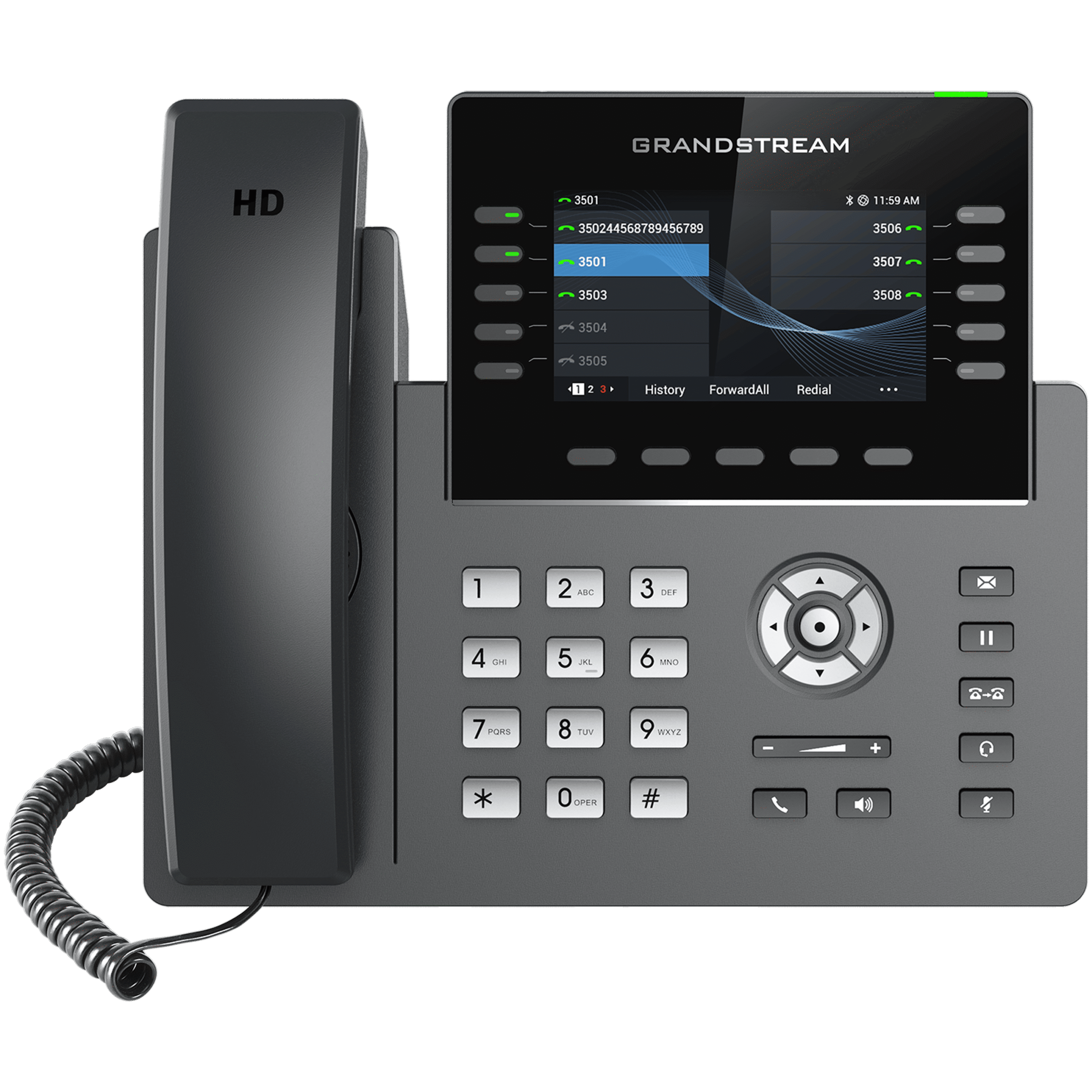
GrandStream GRP2615

6
  • Grandstream GRP2615 - Attended Transfer - How to Guide
  • Grandstream GRP2615 - Blind Transfer - How to Guide
  • Grandstream GRP2615 - Do Not Disturb setting - How to Guide
  • Grandstream GRP2615 - Phone Overview Interface Guide
  • GRP2615 - Accessing Voicemail - How to Guide
  • GRP2615 - Conference Call - How to Guide
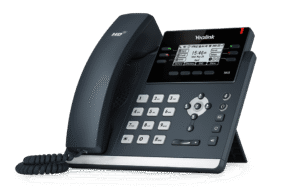
Grandstream GRP2613

5
  • Grandstream GRP2613 - Accessing Voicemail - How to Guide
  • Grandstream GRP2613 - Attended Transfer - How to Guide
  • Grandstream GRP2613 - Blind Transfer - How to Guide
  • Grandstream GRP2613 - Do Not Disturb setting - How to Guide
  • Grandstream GRP2613 - Phone Overview Interface Guide
Popular Articles
  • T54W - Attended Transfer - How To Guide
  • T54W - Call Park - How To Guide
  • T54W - Blind Transfer - How To Guide
  • T57W - Call Park - How to Guide
  • T57W - Attended Transfer - How to Guide
Newest Articles
  • Grandstream GRP2613 - Blind Transfer - How to Guide
  • Grandstream GRP2613 - Attended Transfer - How to Guide
  • Grandstream GRP2613 - Do Not Disturb setting - How to Guide
  • Grandstream GRP2613 - Accessing Voicemail - How to Guide
  • Grandstream GRP2613 - Phone Overview Interface Guide
Recently Updated Articles
  • Grandstream GRP2613 - Blind Transfer - How to Guide
  • Grandstream GRP2613 - Attended Transfer - How to Guide
  • Grandstream GRP2613 - Do Not Disturb setting - How to Guide
  • Grandstream GRP2613 - Accessing Voicemail - How to Guide
  • Grandstream GRP2615 - Phone Overview Interface Guide

Footer

Terms and Services

Powered by CoreNexa

© 2024 TeleCubed